
Download MeGUI – video converter, video editing, convert video, free video tool, open source video software
Overview
MeGUI is a free video conversion and editing tool designed for users seeking versatile functionality without the cost of commercial software. Built on the ISO MPEG-4 standard, the application enables users to convert videos into a wide range of formats, ensuring compatibility across various devices and platforms. Its primary purpose is to simplify the process of video format adaptation while maintaining high output quality.
MeGUI caters to both novice users and advanced enthusiasts, offering a one-click conversion feature for beginners and powerful editing tools for experienced users. The application leverages AviSynth to unlock advanced video manipulation capabilities, including re-cutting, rotation, watermarking, and color adjustments such as brightness and contrast. These features make it a valuable utility for content creators, educators, and individuals managing personal media libraries.
Although the interface may appear complex at first glance, the tool is designed to support users through intuitive workflows once familiarized. The developer, MeGUI Team, has maintained the software as open source, fostering community-driven improvements and long-term sustainability. MeGUI fills a niche in the video tools ecosystem by combining affordability with professional-grade output.
Its presence offers a viable alternative to costly software, particularly for users who prioritize quality and customization over simplicity.
Key Features & Functionality
- One-Click Conversion: A simplified workflow allows users to convert videos instantly without adjusting complex settings. This feature is ideal for beginners who need quick results without technical knowledge.
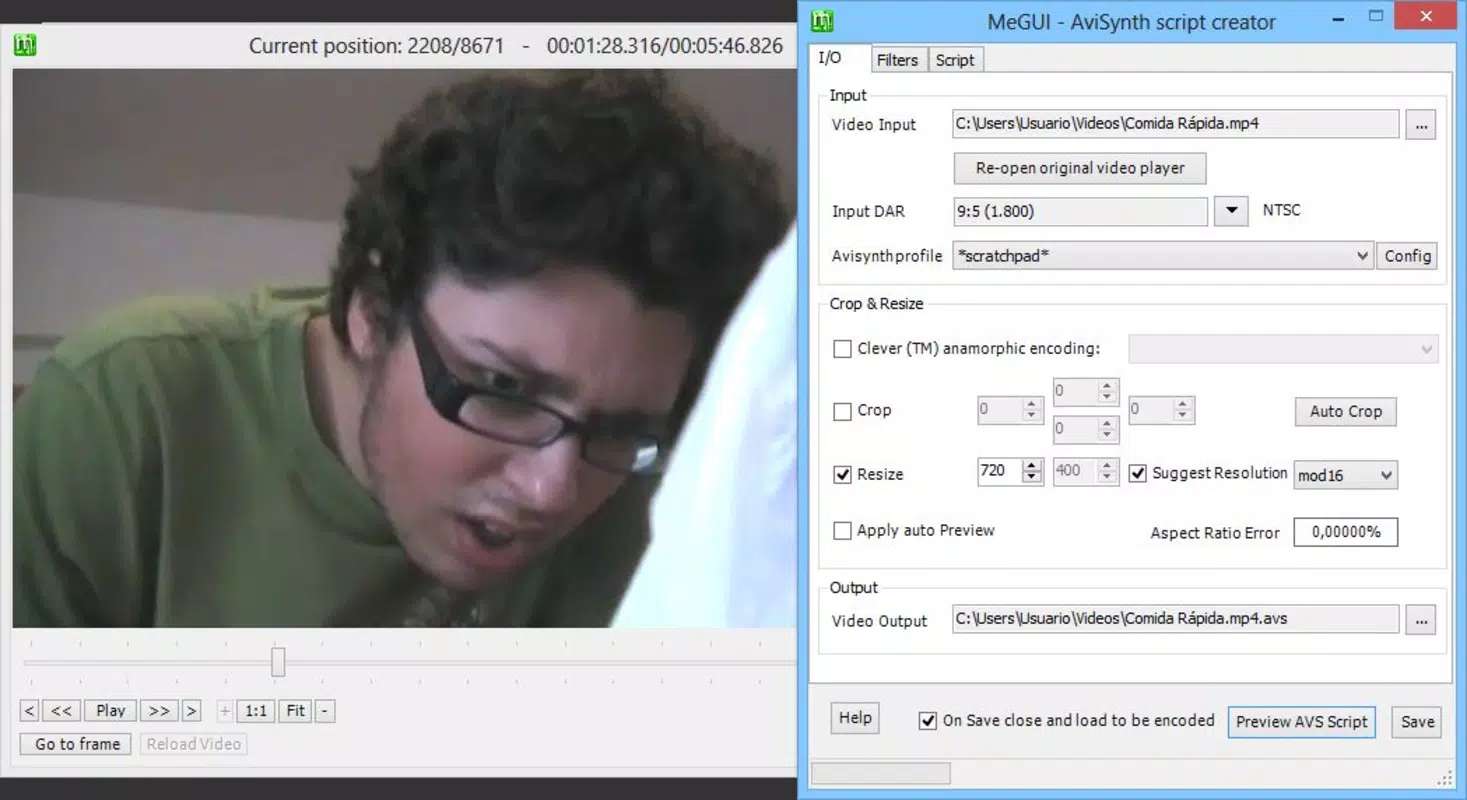
- Advanced Editing via AviSynth: Integration with AviSynth enables users to perform re-cutting, rotating, adding watermarks, and adjusting brightness and contrast for enhanced visual quality.
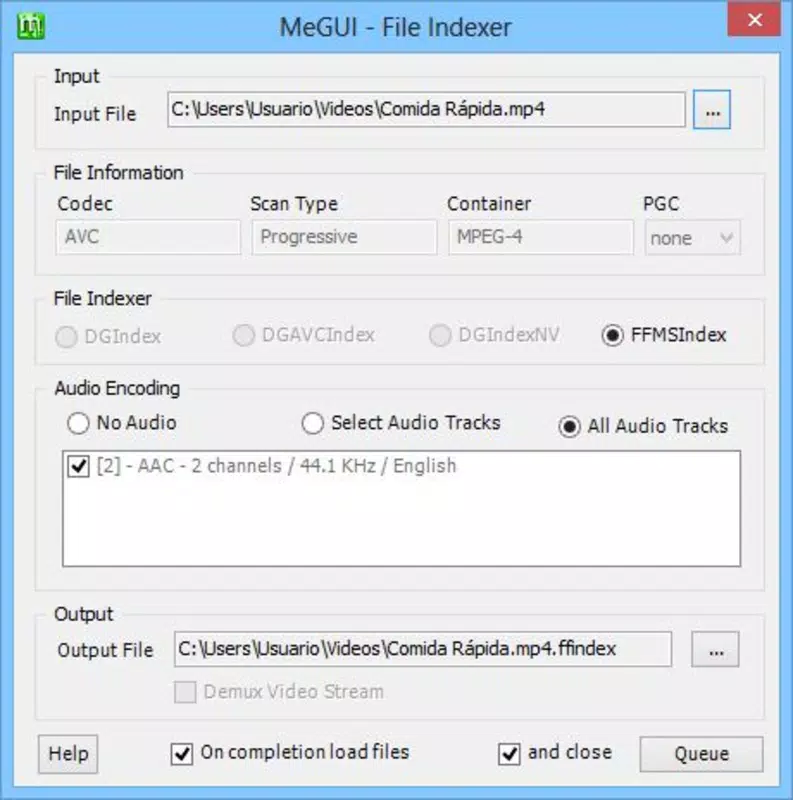
- Multi-Format Support: MeGUI supports a broad range of video and audio formats, ensuring compatibility with most devices and streaming platforms.
- Open Source & Free: The software is completely free to use and open source, allowing transparency, community contributions, and frequent updates without licensing fees.
- High-Quality Output: Despite a learning curve, MeGUI consistently delivers superior output quality compared to many mainstream tools, making it a preferred choice for users focused on precision.
For example, a student preparing a presentation can use the one-click feature to convert a lecture video to a widely supported format. Meanwhile, a content creator might use AviSynth to trim a long clip, add a watermark, and adjust brightness before exporting for YouTube. The flexibility of format selection ensures that users can tailor outputs to specific platforms, such as smartphones, tablets, or video-sharing sites.
These capabilities demonstrate MeGUI’s practical value in both personal and professional contexts. The open-source model further enhances its reliability, as updates and improvements are driven by user feedback and collaboration. While the tool does not offer real-time preview or cloud integration, its core functionality remains robust and purpose-built for video conversion and editing tasks.
Interface, UX & Performance
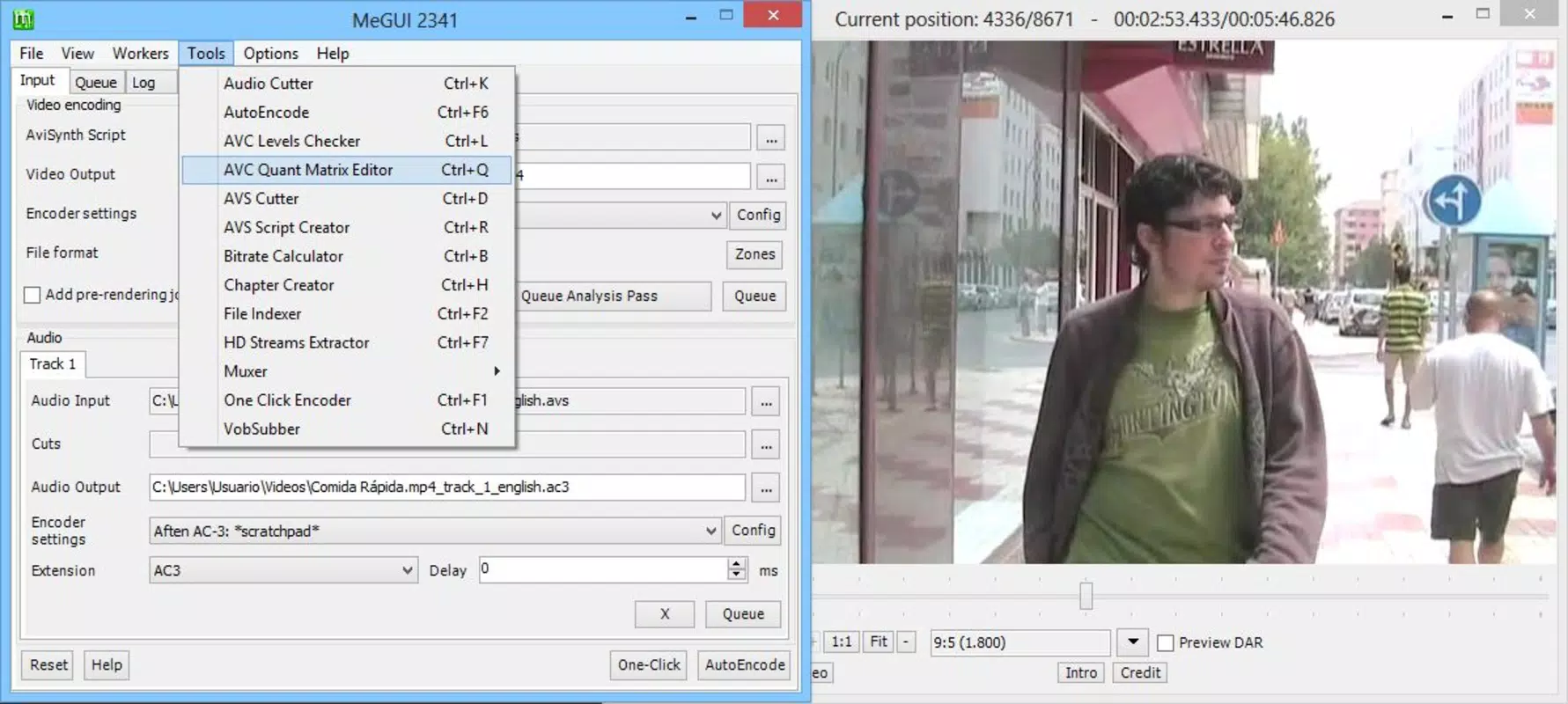
MeGUI features a desktop-oriented interface that may appear dense and technical to new users. The layout includes multiple panels for managing video sources, encoding settings, and output destinations. Navigation relies on tabbed sections and dropdown menus, which can be challenging for those unfamiliar with video encoding workflows.
However, the inclusion of a one-click conversion option helps mitigate the learning curve by providing a straightforward entry point. The visual style is minimalistic, focusing on functionality over aesthetics, which aligns with its utility-driven purpose. Although the developer did not list formal performance metrics, the application operates efficiently on standard Windows systems, with a file size of 15.2 MB.
It is designed to run smoothly on mid-range hardware, though performance may vary depending on the complexity of the conversion task and the source video quality. Responsiveness is generally consistent during basic operations, though heavy encoding processes may require time and system resources. Stability appears reliable for routine use, with no reported widespread crashes or bugs.
The application does not include built-in tutorials or tooltips, which may hinder first-time users. However, the active community around MeGUI provides external documentation and support. Overall, the user experience is functional and efficient, particularly for users willing to invest time in understanding the interface.
Platform Compatibility & Technical Requirements
MeGUI is designed exclusively for the Windows platform. It is compatible with Windows operating systems, though specific version requirements were not listed by the developer. The application has a file size of 15.2 MB, making it lightweight and easy to download and install.
As a desktop application, it does not require cloud storage or constant internet access to function. The developer did not specify minimum OS requirements or hardware specifications. Users should ensure their system meets standard Windows compatibility standards for running executable software.
While the app is free, users should verify that their device supports Windows-based applications. No mobile or cross-platform versions are currently available. Compatibility with older Windows versions may depend on system architecture and installed dependencies, such as AviSynth, which must be manually configured in some cases.
The lack of detailed system requirements means users should proceed with caution when installing on older or non-standard systems.
Pros and Cons
Pros
- Free and open source, eliminating licensing costs.
- Supports multiple video and audio formats for broad compatibility.
- Delivers high-quality output, especially for advanced users.
- One-click conversion simplifies the process for beginners.
- Advanced editing features via AviSynth for customization.
Cons
- Interface may be overwhelming for new users.
- No built-in tutorials or tooltips for guidance.
- Specific system requirements were not disclosed.
- Requires manual setup of AviSynth for full functionality.
- Not available on mobile platforms or other operating systems.
FAQ
Is MeGUI safe to download and install?
Yes, MeGUI is a free and open source application. It does not contain malware or adware. However, users should download it from official or trusted sources to ensure authenticity.
Can I use MeGUI on my Android or iOS device?
No, MeGUI is designed only for Windows and is not available on Android or iOS platforms.
Does MeGUI require an internet connection?
MeGUI does not require an internet connection to function. However, users may need to download AviSynth or other dependencies manually during setup.
How often is MeGUI updated?
Updates are released periodically by the MeGUI Team. The latest version available is 0.8.1, with the release date listed as 2023-05-08.
Is there a mobile version of MeGUI?
No, there is currently no mobile version of MeGUI. It is a desktop application designed for Windows only.
Final Thoughts
MeGUI stands out as a powerful, free video conversion and editing tool for Windows users who value quality, flexibility, and cost-effectiveness. While its interface may present a learning curve, the one-click feature and advanced capabilities via AviSynth make it accessible and valuable for both beginners and experienced users. The open-source model ensures transparency and continuous improvement through community involvement.
For individuals managing video content for personal or professional use, MeGUI offers a reliable, high-performance solution without the need for expensive software. Its support for multiple formats and ability to deliver superior output quality further solidify its position in the video tools ecosystem. Despite the absence of mobile availability and limited documentation, its strengths outweigh its limitations for the right audience.
Download MeGUI now to experience a free, robust video tool that combines professional features with open access.


